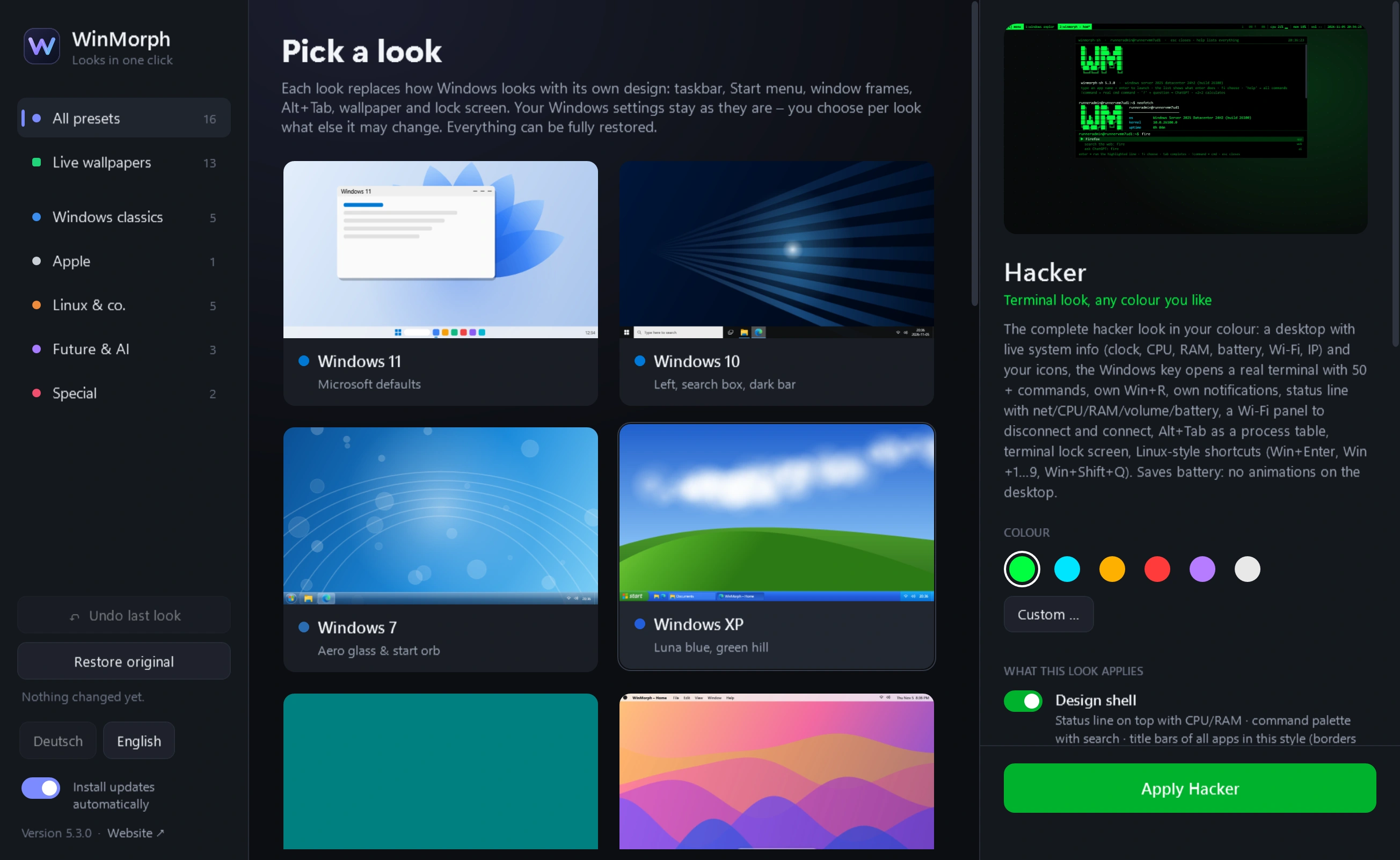
WinMorph
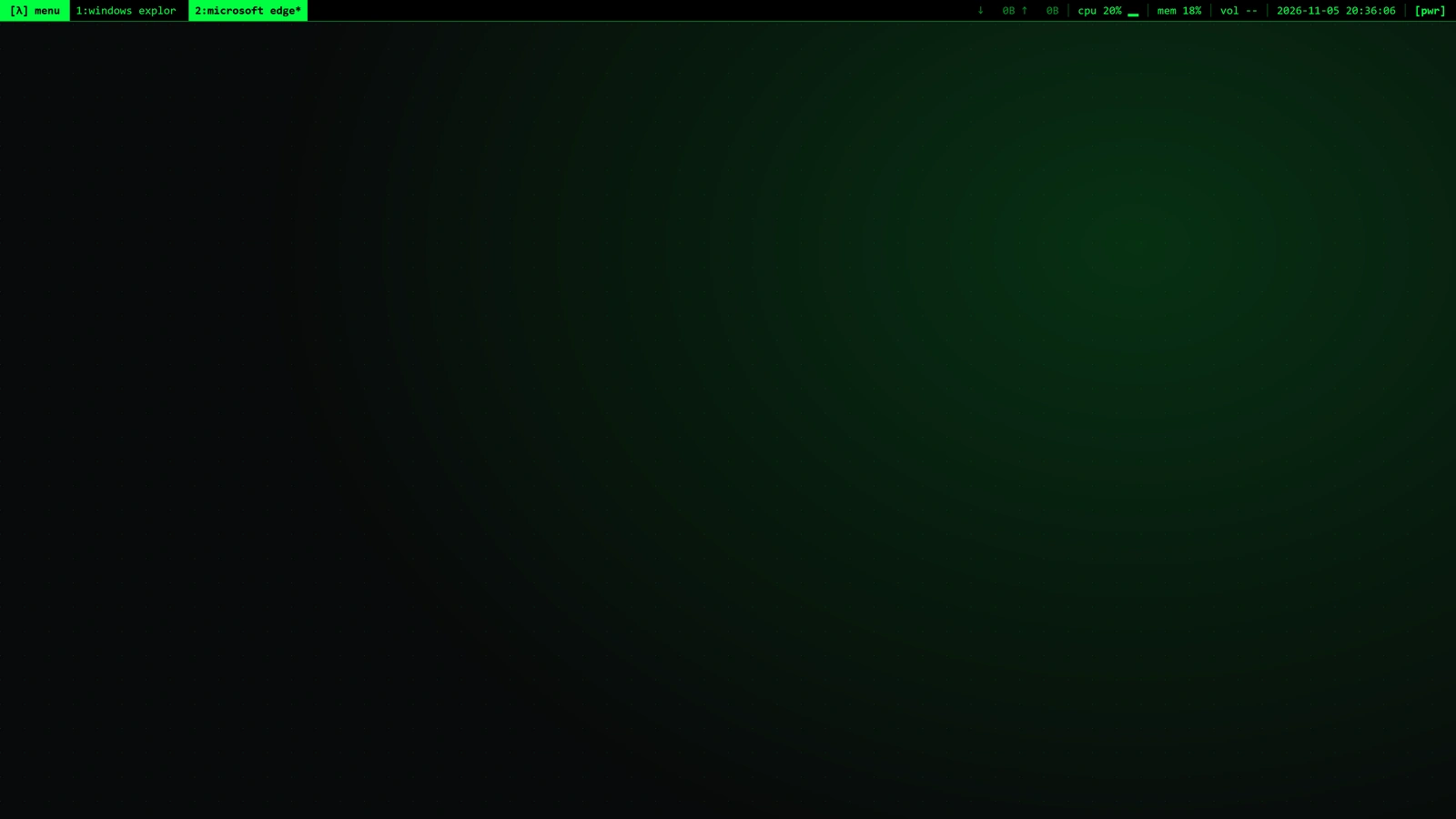
- Status line and a real terminal with 50+ commands, in your colour.
- Menu bar on top, magnifying dock, Launchpad. Light or dark.
- Blue Luna bar, green start button, green hill.
- No taskbar – just a command line that understands what you type.
- Grey 3D bar, a Start menu with a blue banner, teal desktop.
- GNOME bar on top, dock on the left, full-screen overview.
- A landscape in the light of the hour, focus timer, breathing.
- Glass bar with the start orb, Aero wallpaper.
- Floating Waybar with modules, a Rofi-style launcher.
- Game library, performance mode, CPU, GPU and ping in the bar.
- An invented OS: black glass, aurora, a floating bar.
- Shelf with the launcher circle, a playful app grid.
- Cinnamon panel, a menu with search and places.
- GNOME bar on top, dock below, Debian red.
- Flat bar with a search box, Start menu with tiles.
Wallpapers
Matrix
Playground
Try a command.
Questions
- How do I change the look of Windows 11?
- Download WinMorph and pick a look. Taskbar, Start menu, Alt+Tab, wallpaper and lock screen change in one click.
- Can Windows look like a Mac?
- Yes. The macOS look brings the menu bar on top, a magnifying dock and Launchpad, light or dark.
- Can I get the old Windows XP or Windows 7 design?
- Yes, on Windows 11 too: XP with the Luna bar and green start button, Windows 7 with the glass bar and start orb, plus Windows 95 and Windows 10.
- Can Windows look like Linux?
- Yes: Ubuntu, Debian, Linux Mint and Arch Linux, each with its own bar, dock and menu.
- Can I use my own wallpapers?
- Yes. There are live wallpapers such as Matrix and Star flight, a matching picture for every look, or your own.
- Is WinMorph free and safe?
- WinMorph is free, needs no admin rights and updates itself. The original Windows is one click away, in an emergency with Ctrl+Alt+Shift+F12.